Customer Experience
Thy Pham
Momos Goes Global With More Languages
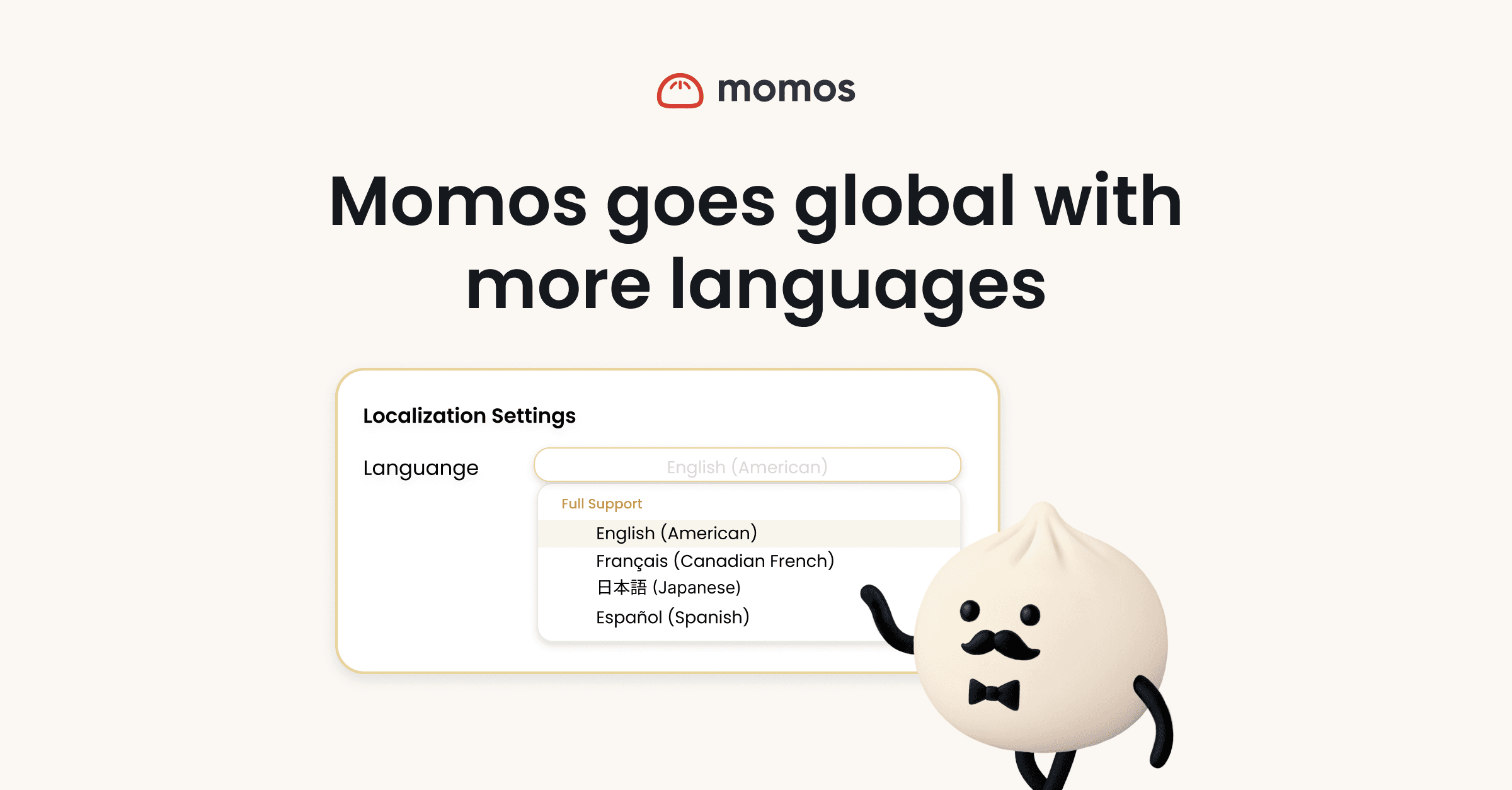
Momos is now available in Français (Canada), Español, and 日本語 (Japanese).
Every user on your account can set their preferred language in User Settings. Once set, the entire Momos platform adapts to them — the Unified Inbox, Operator Report, dashboards, case management, email notifications, mobile app, and AI-generated content all render in the language they've selected.
This is a user-level setting, so each person on your team can set their own preference. The platform personalizes to them; everything else about your shared account stays the same.
What's included in the translation
Platform interface
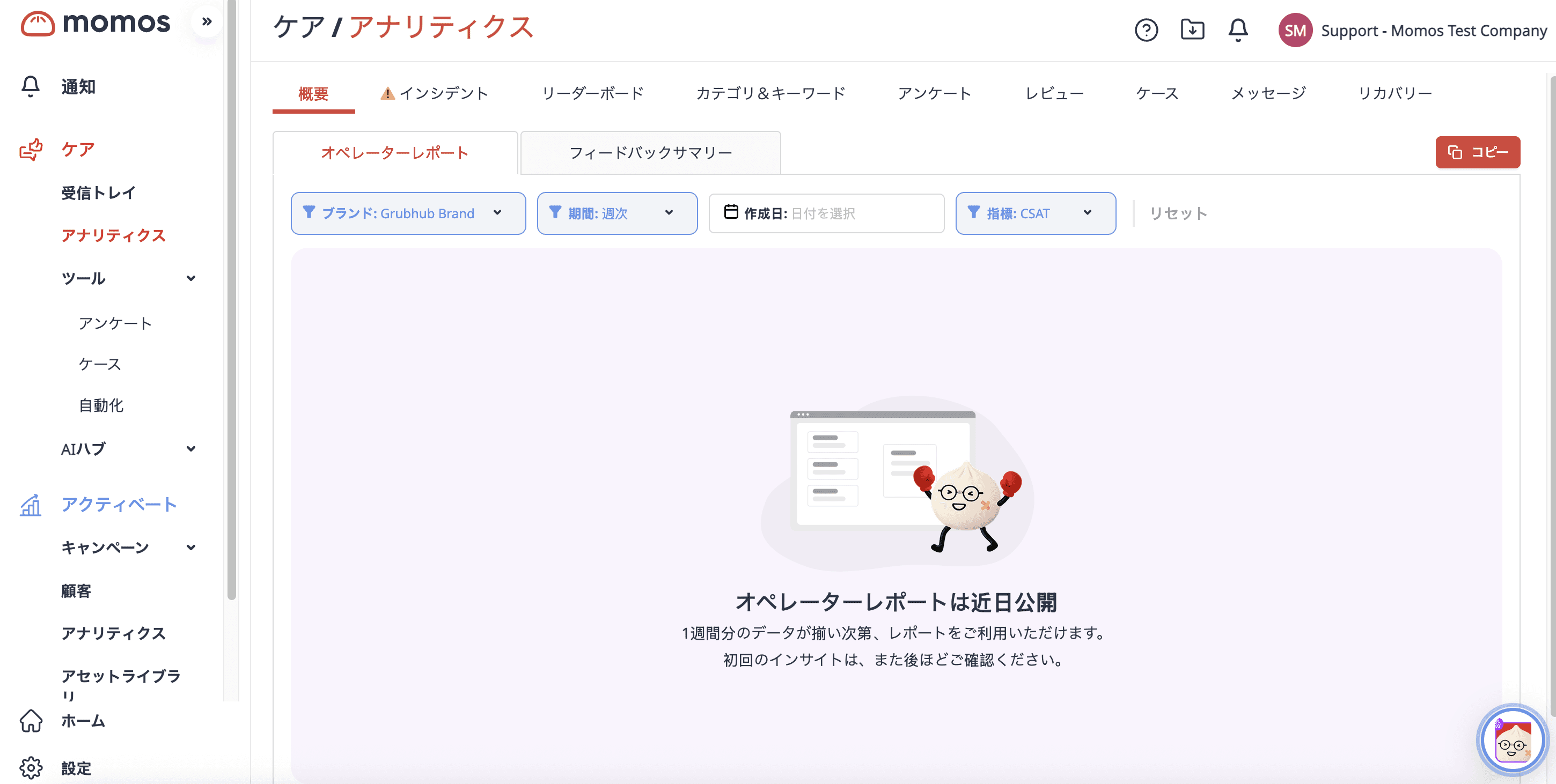
The full Momos’ platform UI is localized for each supported language:
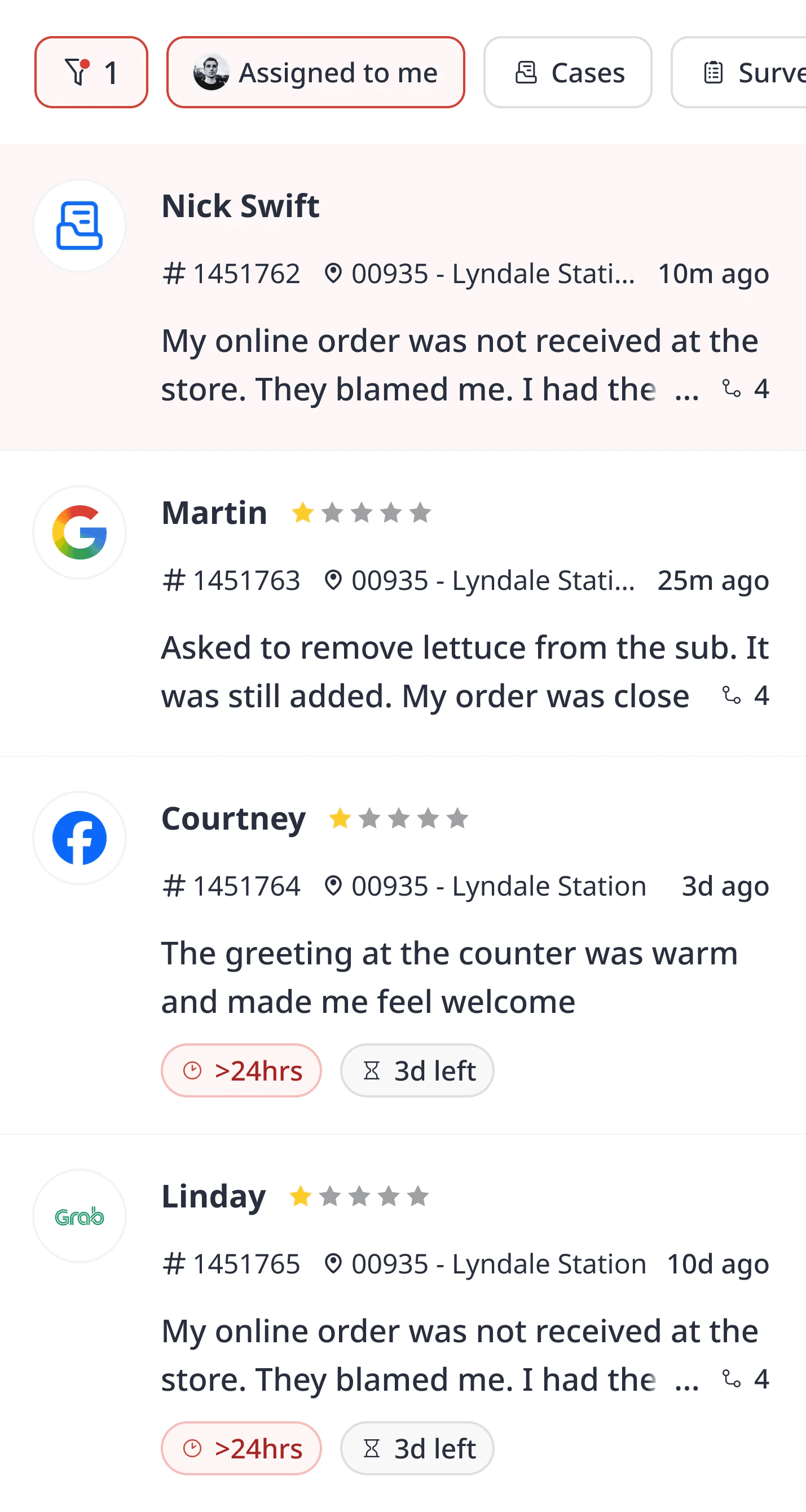
Unified Inbox (labels, filters, status tags, navigation)
Operator Report and performance dashboards
Case management and feedback flows
Platform notifications and email alerts
CSV exports (column headers and labels)
Login experience
Mobile app
AI-generated content
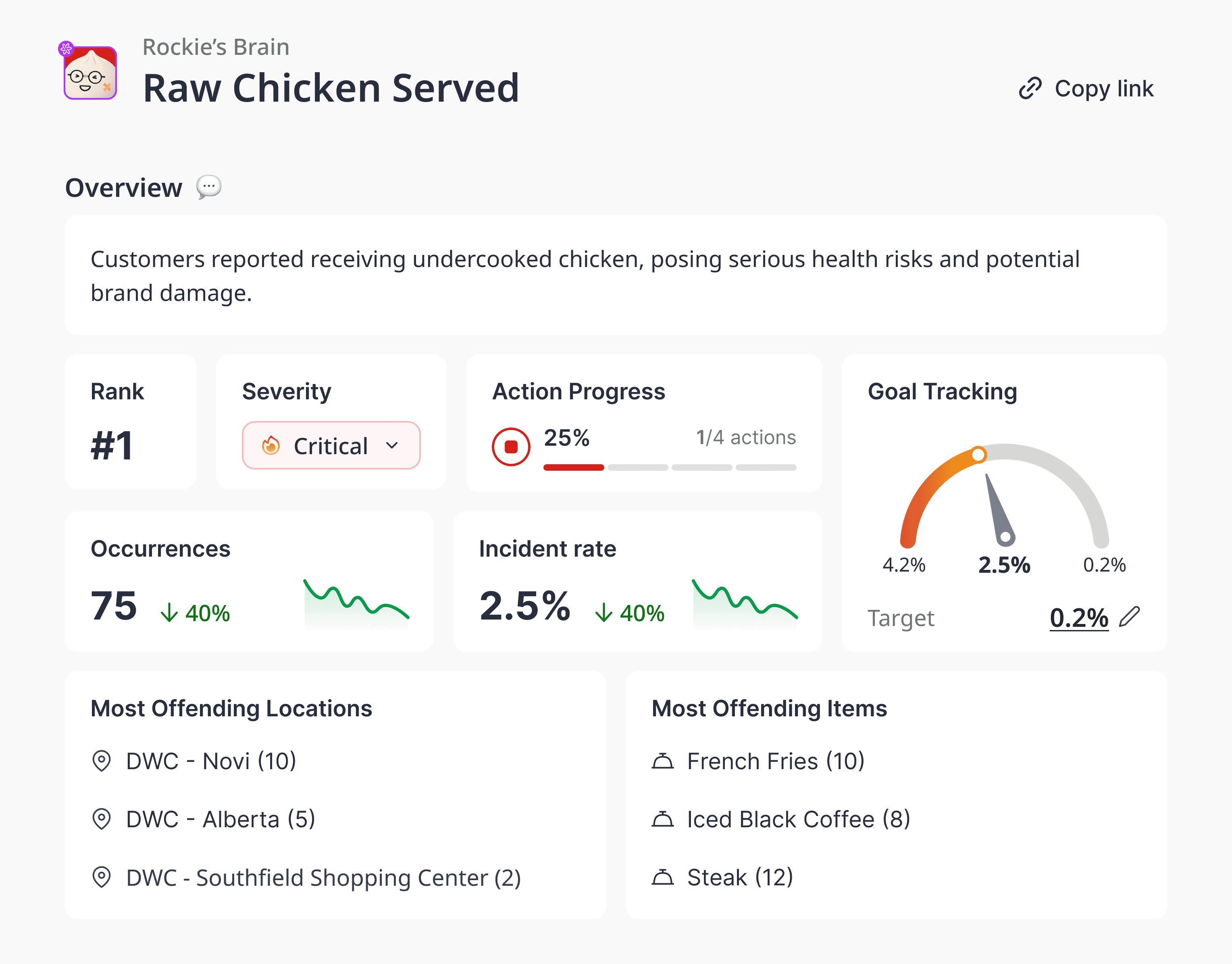
Ticket summaries and Operator Report narratives are generated in the user's configured language. A French-speaking CS agent sees summaries in French. A Japanese-speaking district manager reads their Operator Report in Japanese.
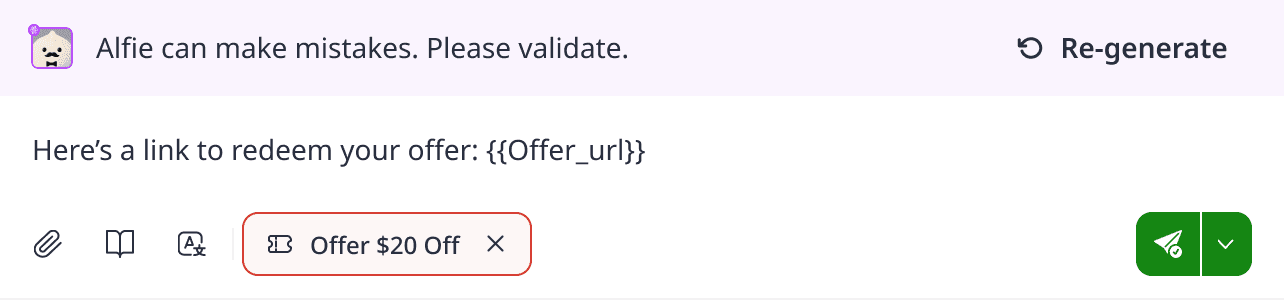
Suggested Responses are configured at the brand level. You can set a fixed language for your brand or enable Alfie to automatically detect and match each guest's language.
When Alfie is in use, the platform-side content your team sees — conversation logs, summaries, escalation notes — is surfaced in their configured language.
English fallback
The platform falls back to English automatically for content that hasn't been translated yet (for example, a newly released feature). You will not see blank text or broken labels.
Our website
momos.com is also available in all supported languages. If you want to explore Momos features, pricing, or resources in French, Spanish, or Japanese, the full site adapts to your preferred language.
How to change your language
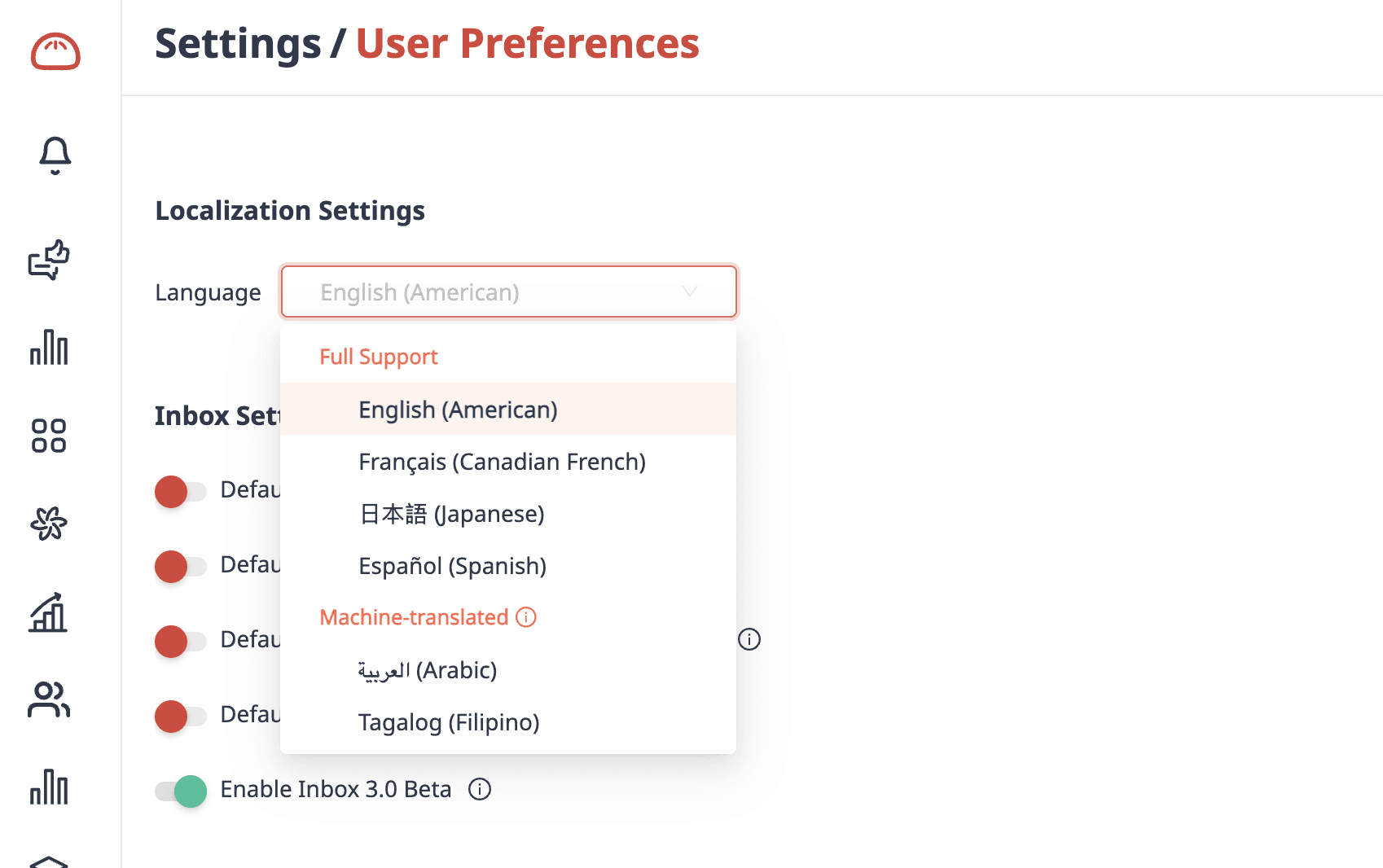
Log in to Momos
Go to Settings > User Settings
Select User Preferences > Language
Choose from: English (US), Français (Canada), Español, or 日本語
The change takes effect immediately — no re-login required
Every user on your account follows the same steps. Language is personal; changing your setting does not affect anyone else on the team.
For account admins
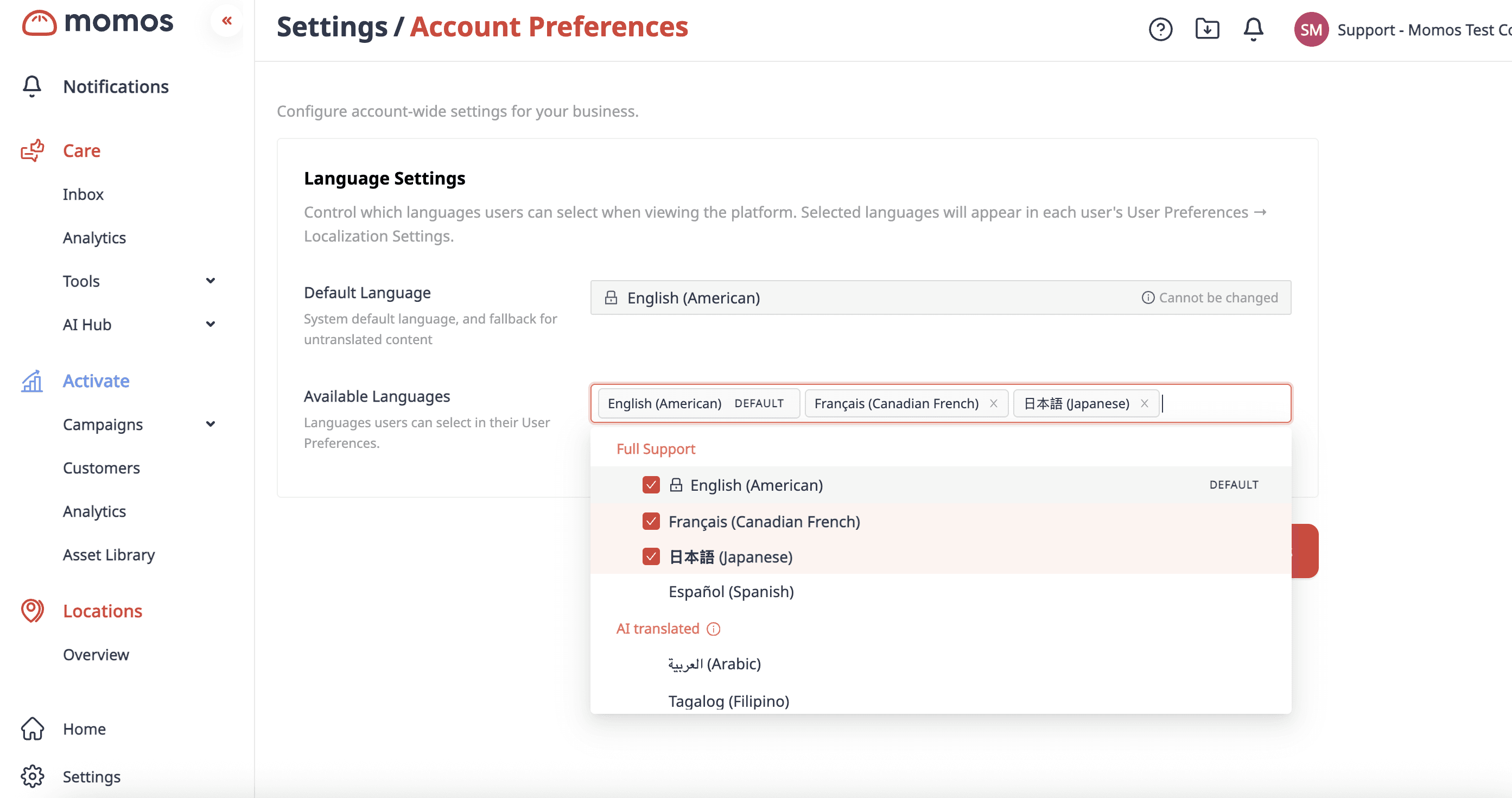
Admins can configure language availability at the organization level. This is useful if your brand operates in a single non-English market and you want to set a default language for new users, or restrict which language options appear in User Settings.
To configure organization-level language settings, contact your Momos Customer Success Manager.
What this means for multi-region teams
If your franchise group operates across multiple markets — for example, locations in both Canada and Latin America — each user on your account sets their own language preference. A team member in Montréal works in French. A team member in Mexico City works in Spanish. They're both looking at the same guest data, the same location performance, the same tickets — each in the language that works for them.
There's no separate account, no duplicate setup. One Momos account, multiple languages, each user working the way they actually work.
What's on the roadmap
French Canadian, Spanish, and Japanese are the first three supported languages. Additional languages are in planning. If your team operates in a market not yet supported, reach out to your CSM to flag your region for prioritization.
Questions?
Contact your Customer Success Manager for organization-level configuration, language availability settings, or anything else you need to get your team set up.


" transform="translate(3.219 19.212)" width="152.45224485148515px"/><path d="M 0 11.619 C 7.071 11.39 33.491 21.738 40.35 21.268 C 38.499 18.19 37.116 14.915 35.507 11.625 C 33.7 7.867 32.587 3.926 31.702 0" fill="transparent" height="21.28391189647101px" id="I9fuJaf7q" stroke-dasharray="" stroke-linecap="round" stroke-linejoin="round" stroke-width="4.97" stroke="rgb(0, 0, 0)" transform="translate(139.727 55.754)" width="40.34950693069311px"/></svg>)