AI Adoption Roadmap: A Step-by-Step Guide for Businesses
Written By: Amanda Jacob
⟦embed:keyTakeaways⟧
AI isn’t just a buzzword anymore—it’s a business advantage.
From automating customer service to personalizing marketing at scale, AI adoption unlocks speed, savings, and smarter decisions across industries. But for many multi-location businesses, knowing where to start—and how to scale—can feel overwhelming.
This roadmap breaks it down into clear, manageable steps. Whether you're just exploring or ready to integrate AI across your stack, here’s how to adopt AI correctly and get real results.
Step 1: Start With the Problem, Not the Technology
Before thinking about tools or vendors, start with a core question:
👉 What manual processes or bottlenecks are slowing your business down?
For multi-location brands, these often include:
Repetitive customer service inquiries
Inconsistent review response times
Marketing campaigns that don’t scale by location
Operational gaps hiding in customer feedback
Use Case: A restaurant chain with 150 locations used AI to auto-respond to reviews, saving over 2,000 staff hours annually while increasing response rates from 45% to 100%.
Takeaway: Don’t chase AI for the hype—use it to solve what’s already costing you time or money.
Step 2: Identify High-Impact, Low-Risk AI Opportunities
You don’t need to adopt AI everywhere at once. Start with functions that are:
Repetitive
Data-heavy
Easy to measure
These are ideal for AI customer service and automation pilots. Examples:
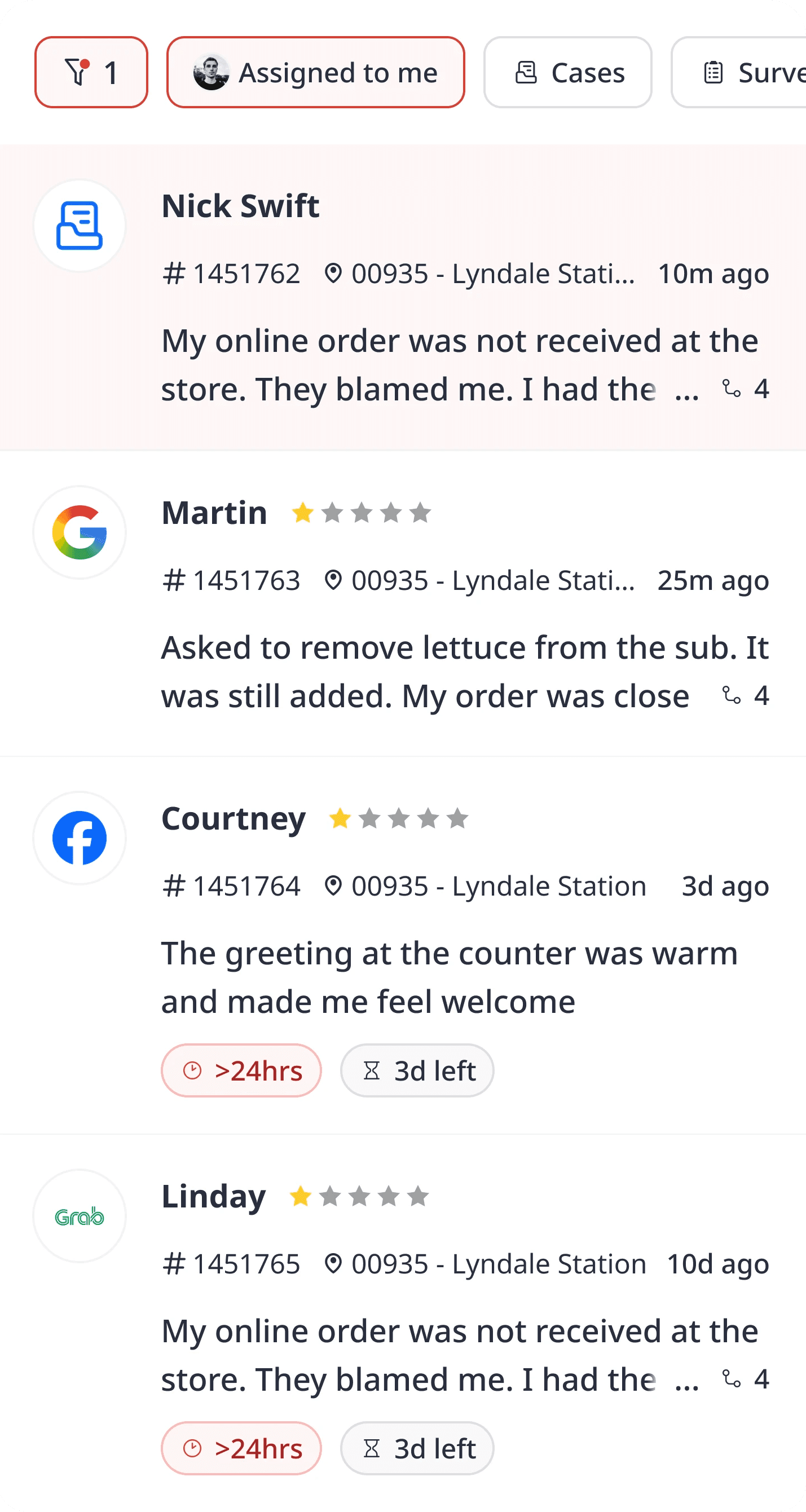
Auto-triaging customer feedback into themes or urgency levels
Predictive review monitoring that flags at-risk locations
Automated post-visit surveys that are personalized by store
Use Case: A health and wellness brand with 80+ centers launched a chatbot pilot to handle appointment inquiries and common questions, reducing phone traffic by 40%.
Step 3: Choose Tools That Integrate with Your Ecosystem
Not all AI tools are created equal. Choose solutions that:
Plug into your existing CRM, ordering, or survey tools
Support multi-location workflows and permissions
Offer reporting that surfaces actions, not just dashboards
Look for platforms that make your team smarter, not just your data prettier.
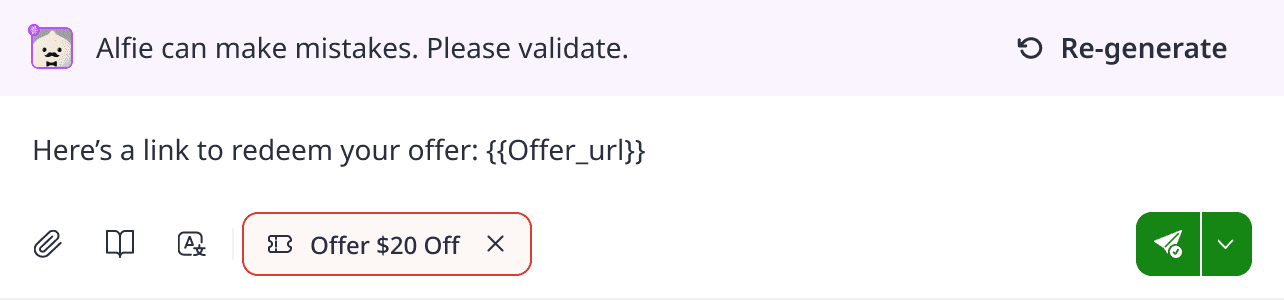
At Momos, AI Copilots integrate directly into review platforms, delivery feedback, and location-level data, giving teams a full view without juggling logins.
Step 4: Pilot, Measure, and Optimize
Once you’ve identified a priority area, run a pilot.
Here’s a simple rollout plan:
Choose 3–5 locations
Measure baseline metrics (e.g., response time, CSAT, review volume)
Run the AI-enabled workflow for 4–6 weeks
Track performance, feedback, and time savings
Use Case: A global QSR brand used AI to flag trending complaints across pilot stores. By resolving common prep-time issues, they increased CSAT scores by 18% in one month.
⟦embed:bnDuo⟧
Step 5: Expand and Automate at Scale
If the pilot works, scale the AI use case across more locations. Then look for ways to:
Automate triggers (e.g., auto-reply to 4–5 star reviews)
Route alerts based on location groups or teams
Tailor actions to region-specific needs
This is where AI becomes not just a tool, but a co-pilot across customer experience, marketing, and operations.
Pro Tip: Multi-location brands see the biggest impact when frontline teams also get visibility. AI insights should be accessible not just to HQ, but to managers, operators, and regional leads.
Step 6: Invest in Change Management and Training
AI is only as strong as the people using it. Make sure teams:
Understand what’s changing (and what’s not)
Get trained on how AI supports—not replaces—their work
Know how to act on AI-generated recommendations
Use Case: A retail chain built AI “scorecards” for store managers showing service trends and top 3 action items per week—no dashboard digging required.
⟦embed:bnRockiePeek⟧
Step 7: Shift From Reactive to Predictive
Once core automation is running smoothly, move to predictive AI:
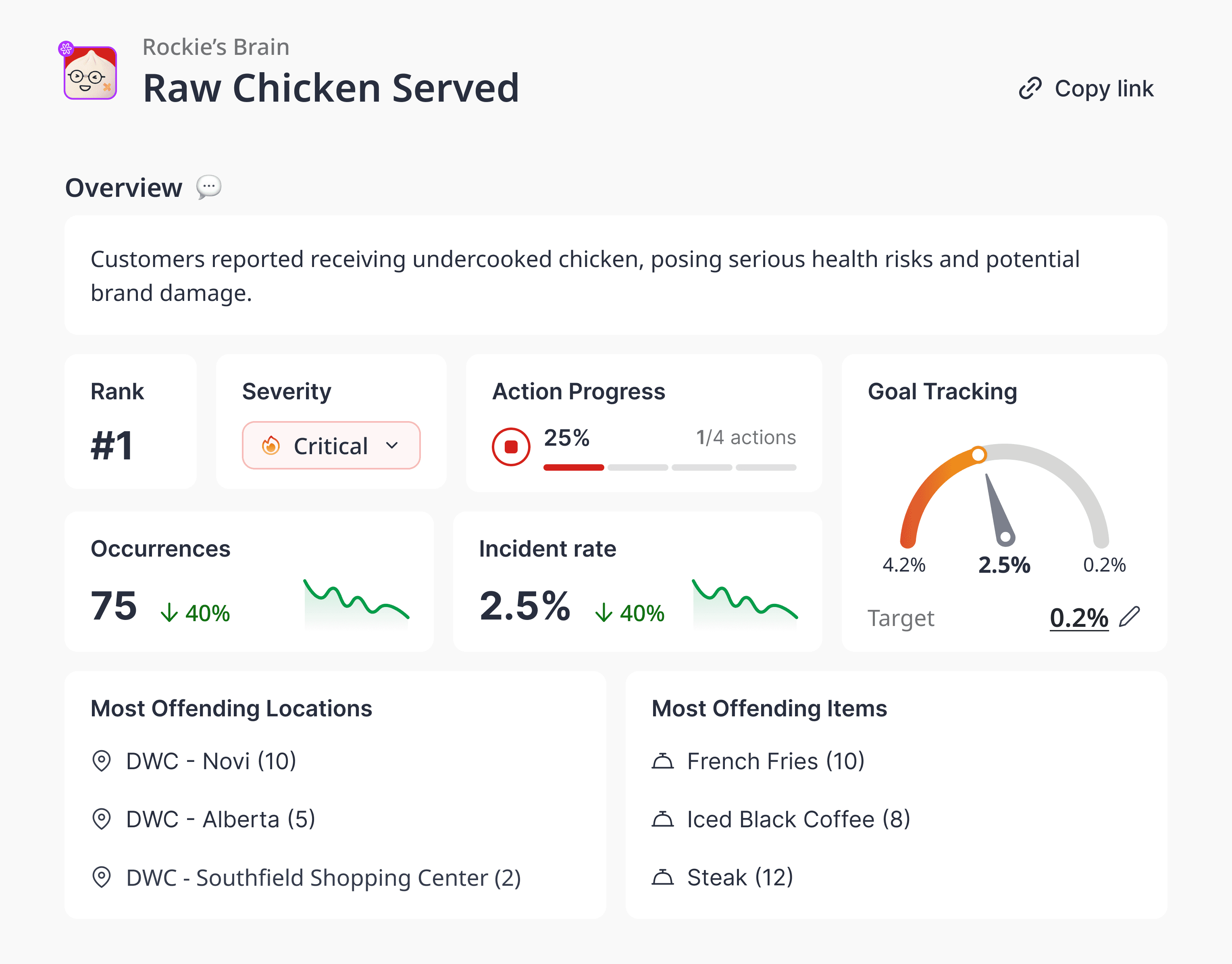
Forecast low CSAT before it happens
Spot trending service issues by region
Flag customers likely to churn
This stage transforms AI from an efficiency tool into a customer intelligence engine.
At this level, you’re no longer asking, “What happened?”
You’re asking, “What should we do next?”
Key Takeaways for Operators and CX Leaders
Start small, aim big: Pilots should solve real problems, not test shiny tools.
Build toward action: Choose AI tools that recommend and automate, not just report.
Train for trust: Teams will use AI when it makes their lives easier, not harder.
Ready to Build Your AI Roadmap?
Momos helps multi-location brands adopt AI one smart step at a time.
From auto-responses to predictive insights, our Copilots plug into your workflows—so your team gets faster, smarter, and more focused without adding complexity.
AI Adoption Roadmap: FAQ
How do I start adopting AI in my business?
Start with a problem that's already costing you time or money, such as repetitive customer questions or slow review replies. Once you know the bottleneck, you can look for a tool that fixes it. Picking the technology first tends to produce pilots that test shiny tools and change very little.
Which tasks should a multi-location business automate first?
Look for work that's repetitive, data-heavy and easy to measure. Good first candidates are sorting customer feedback into themes or urgency levels, flagging locations whose reviews are slipping, and sending personalized post-visit surveys. These are low risk, and you can see quickly whether they're working.
How long should an AI pilot run?
A pilot of 4–6 weeks across 3–5 locations gives you enough data to judge the results. Record your baseline metrics first, such as response time, CSAT and review volume, so you have something to compare against. Then track performance, team feedback and time saved before deciding whether to scale.
What should I look for in an AI tool?
Choose a tool that plugs into the systems you already use, such as your CRM, ordering or survey tools. It should handle multi-location workflows and permissions, and its reporting should point to actions your team can take. A dashboard nobody acts on adds little value.
How do I get my team to use AI?
Explain what's changing, train people on how the AI supports their work, and show them how to act on its recommendations. Share insights with store managers and regional leads as well as HQ. Teams adopt AI when it makes their day easier, so simple outputs like a weekly list of top action items work well.
What does predictive AI add once automation is running?
Predictive AI helps you spot problems before they show up in your results. It can forecast a drop in CSAT, highlight service issues trending in a region and flag customers who are likely to churn. That shifts your team's question from what happened to what you should do next.


 AI agents automate all guest interactions, 24/7, across all locations of your restaurant.


" transform="translate(3.219 19.212)" width="152.45224485148515px"/><path d="M 0 11.619 C 7.071 11.39 33.491 21.738 40.35 21.268 C 38.499 18.19 37.116 14.915 35.507 11.625 C 33.7 7.867 32.587 3.926 31.702 0" fill="transparent" height="21.28391189647101px" id="I9fuJaf7q" stroke-dasharray="" stroke-linecap="round" stroke-linejoin="round" stroke-width="4.97" stroke="rgb(0, 0, 0)" transform="translate(139.727 55.754)" width="40.34950693069311px"/></svg>)