Customer Experience
John Lim
Create Surveys Your Customers Will Actually Answer
Most customers are happy to share feedback — but only if it’s easy, quick, and feels worth their time. If your surveys are too long, irrelevant, or hard to access, response rates plummet, and you miss the chance to learn what matters most.
Momos Surveys help you collect feedback that customers actually want to give, while Insights turn those answers into actions that improve the experience and grow revenue.
The challenge: low responses, limited insight
Many businesses send surveys that:
Ask too many questions
Don’t feel relevant to the customer’s visit
Make it unclear what will be done with the feedback
The result? Low completion rates and generic data that doesn’t help you improve.
How Momos makes surveys worth answering
With Momos, you can:
Create short, targeted surveys for specific touchpoints (dine-in, delivery, events)
Make submitting feedback just one click away
Automatically send surveys after visits, purchases, or interactions
Get Insights that break down responses by category, sentiment, and location
Use survey results to trigger Customer Recovery workflows for unhappy guests
How it works (step-by-step)
1. Choose your survey type
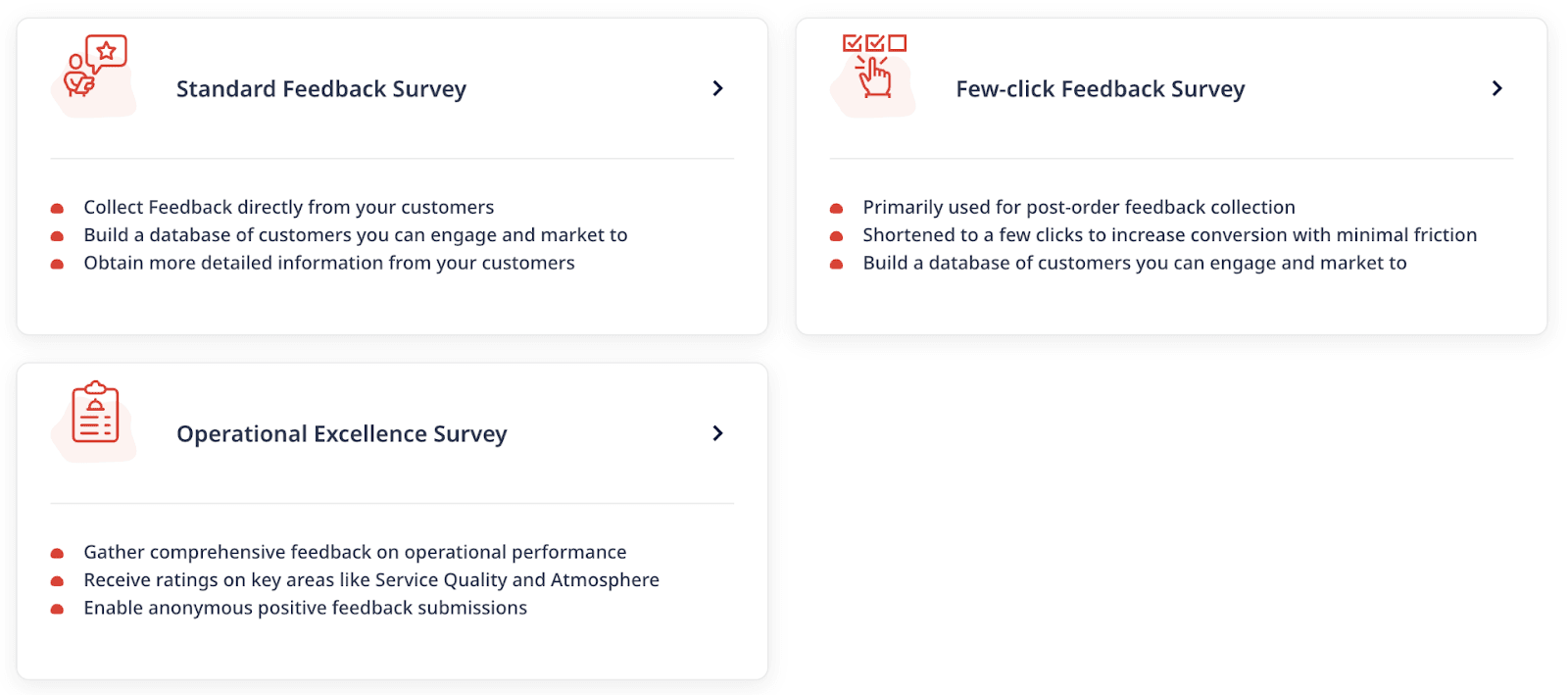
Standard Feedback Survey – great for post-visit feedback with multiple questions
Few-click Feedback Survey – one question, quick to answer, higher completion rate
Operational Excellence Survey – tailored to your brand and campaign
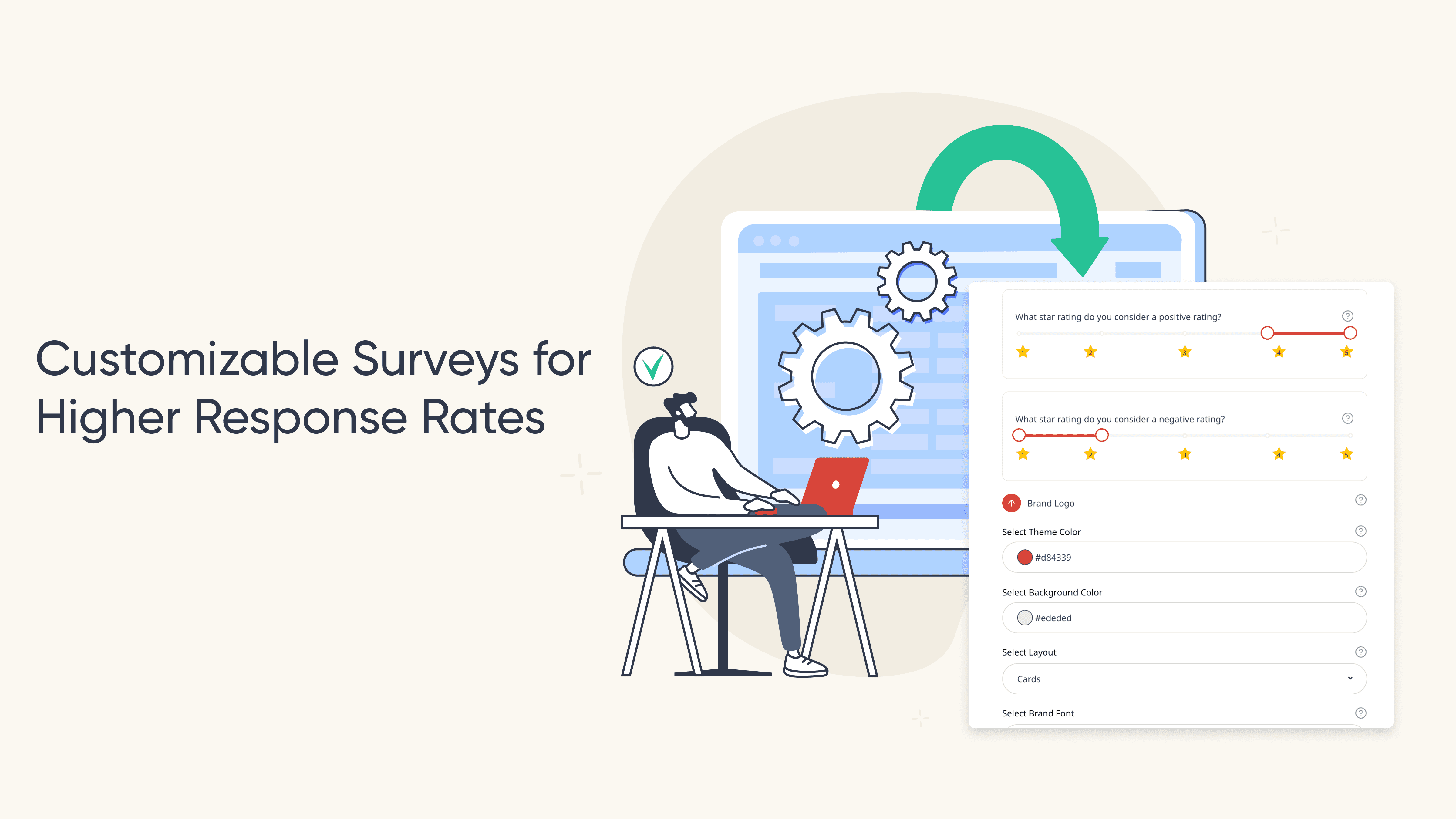
2. Build your survey in Momos
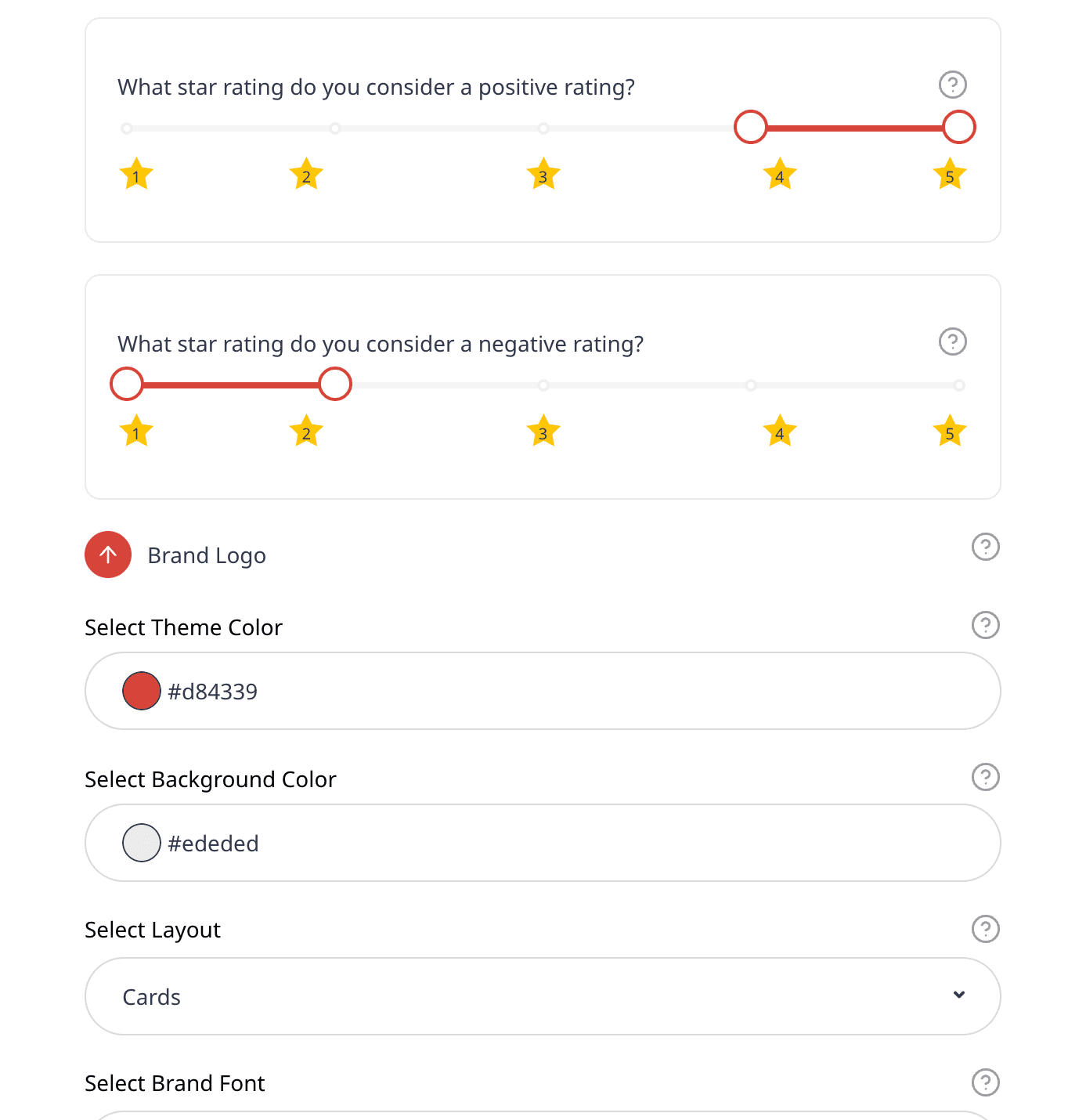
Use the builder to add:
Rating scales
Staff rating
Offers upon survey completion
Recommend users with positive surveys to boost on public pages such as Google
3. Distribute your survey
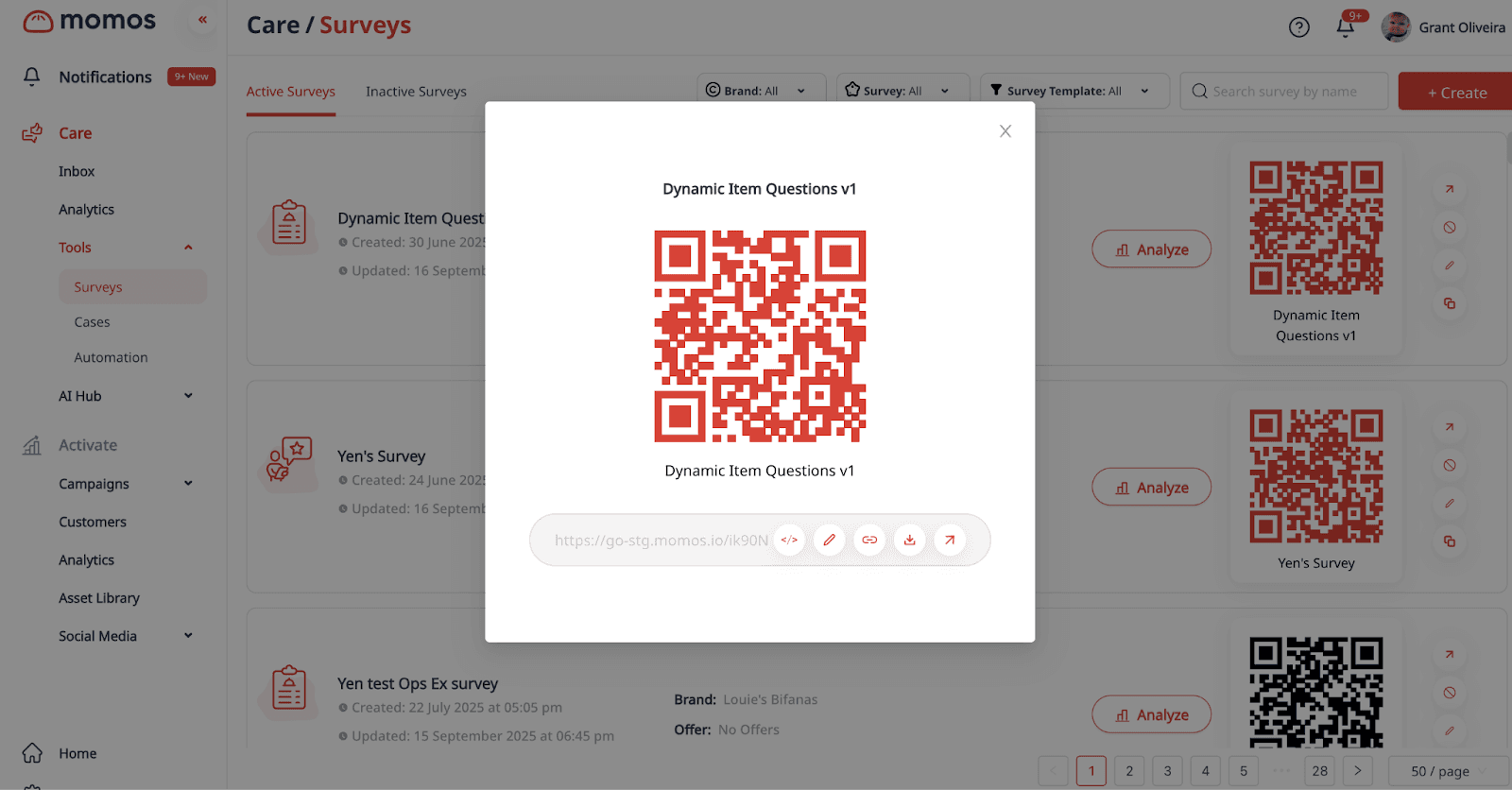
Share via SMS, email, QR code, or a link on receipts. You can also embed in digital menus or confirmation pages.
4. Review Insights
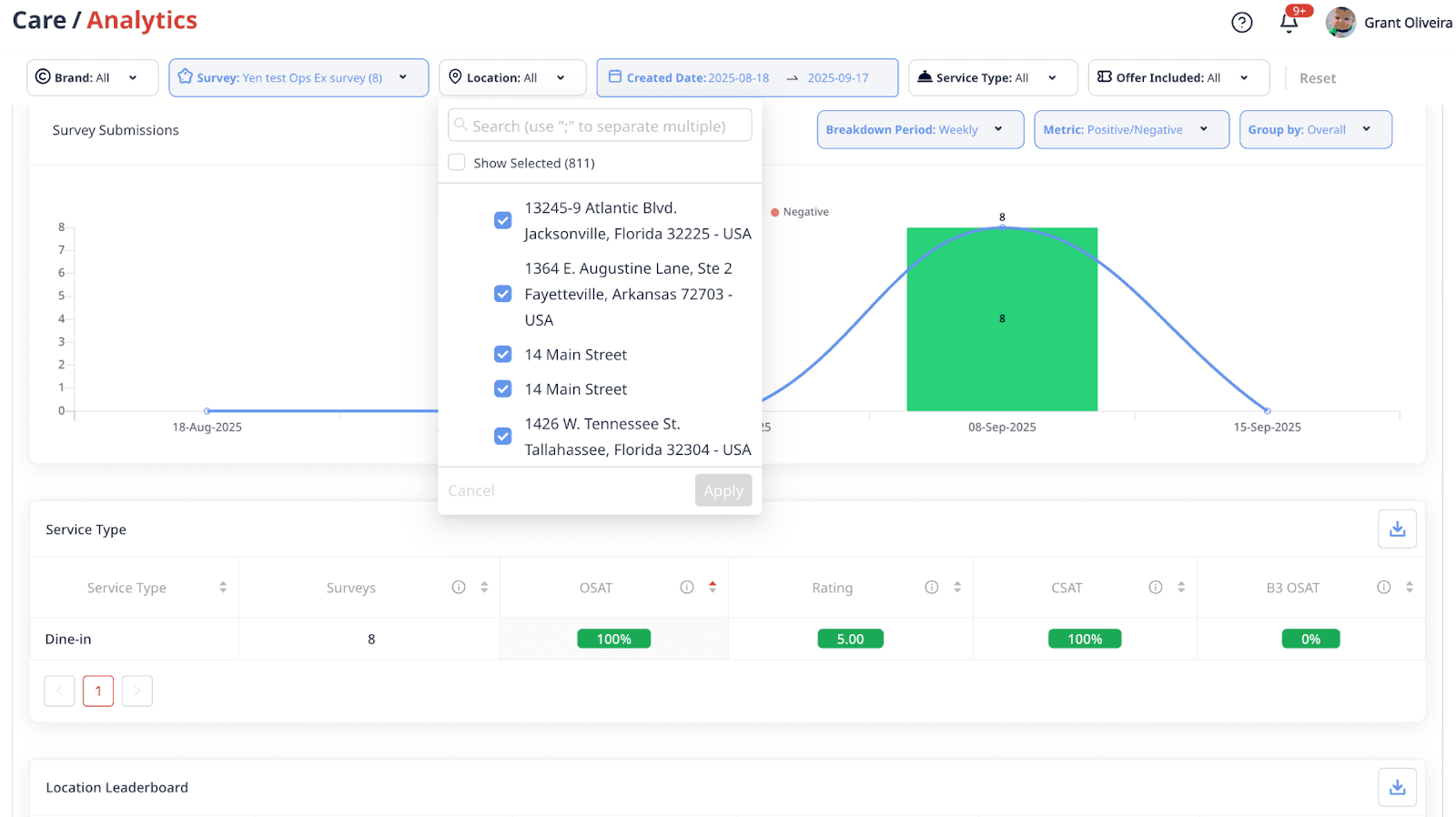
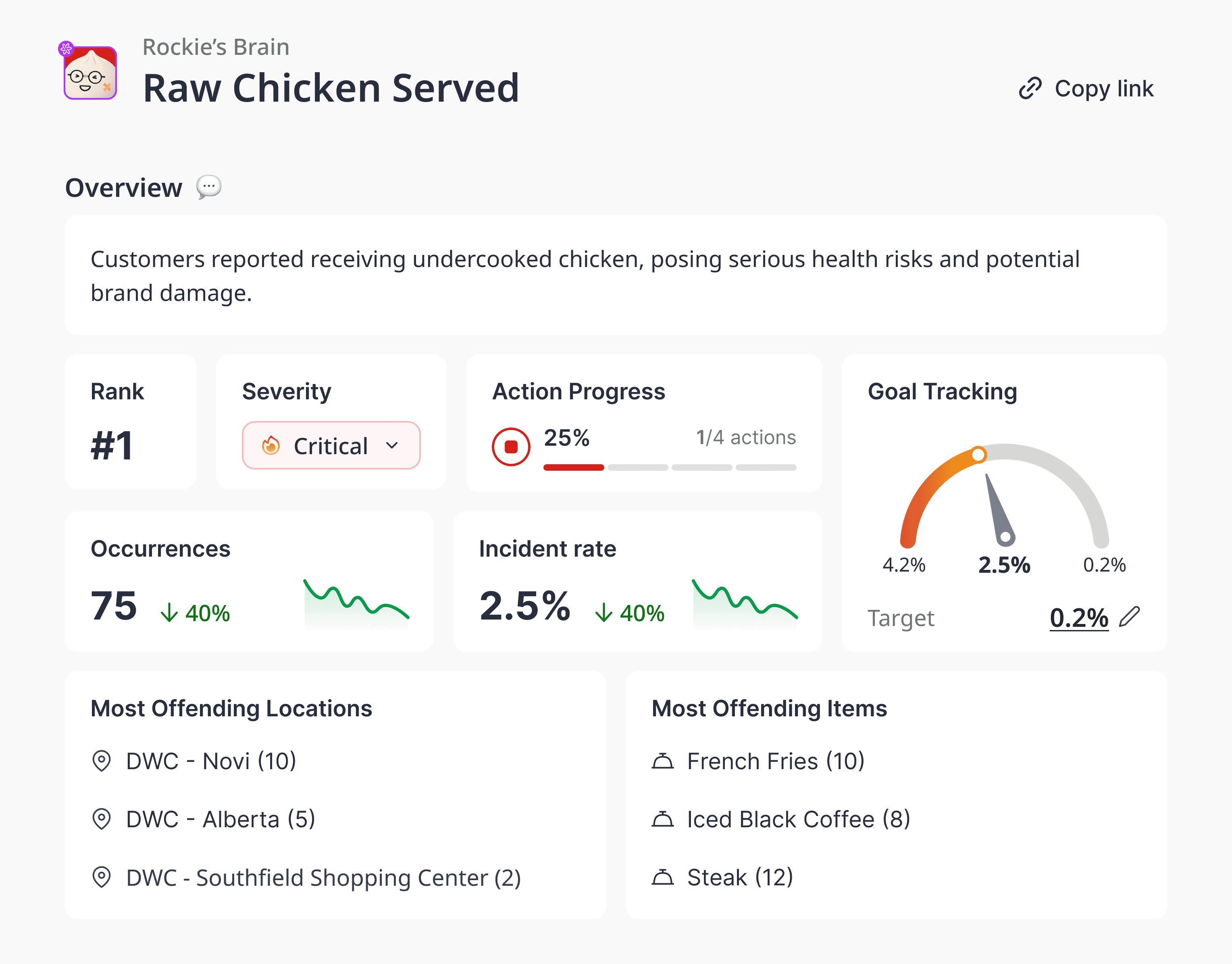
Survey Analytics shows:
Sentiment trends: positive, neutral, negative breakdown
Category-level analysis: food, service, cleanliness, and more
Location comparisons: see where to improve or share best practices
5. Take action
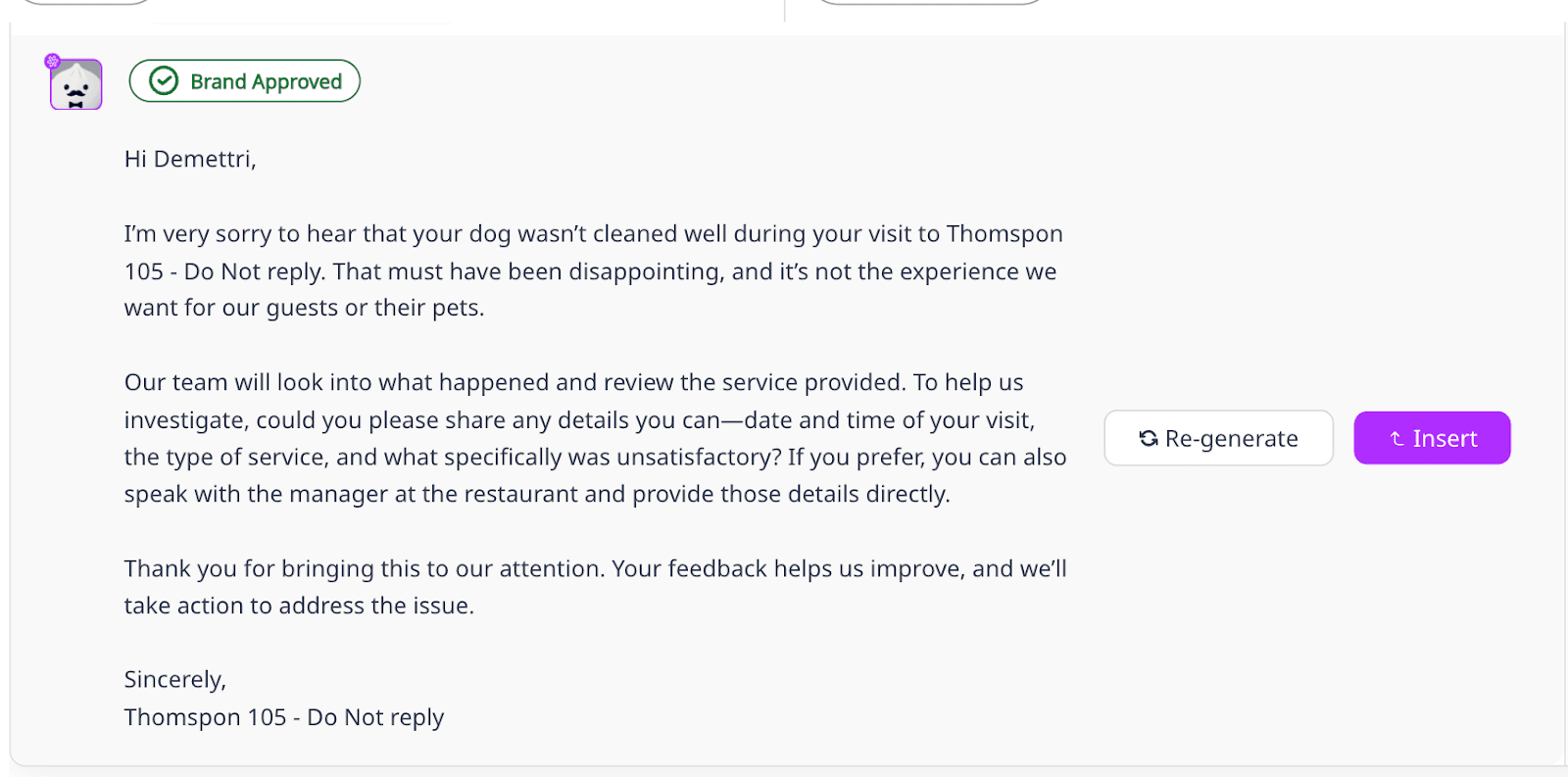
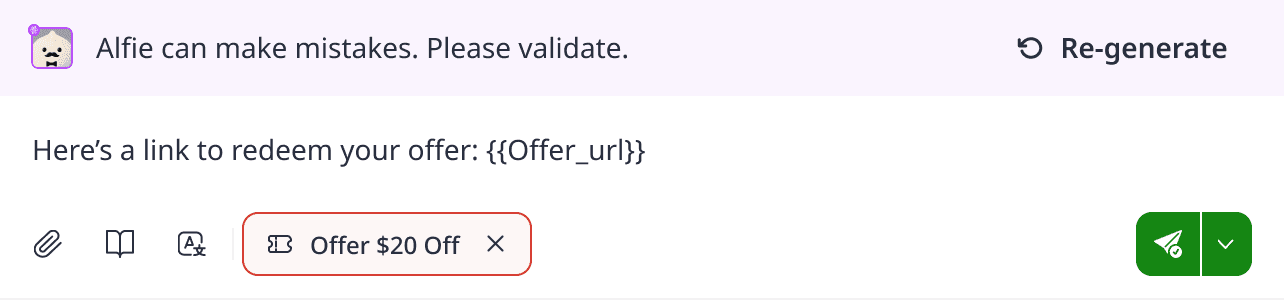
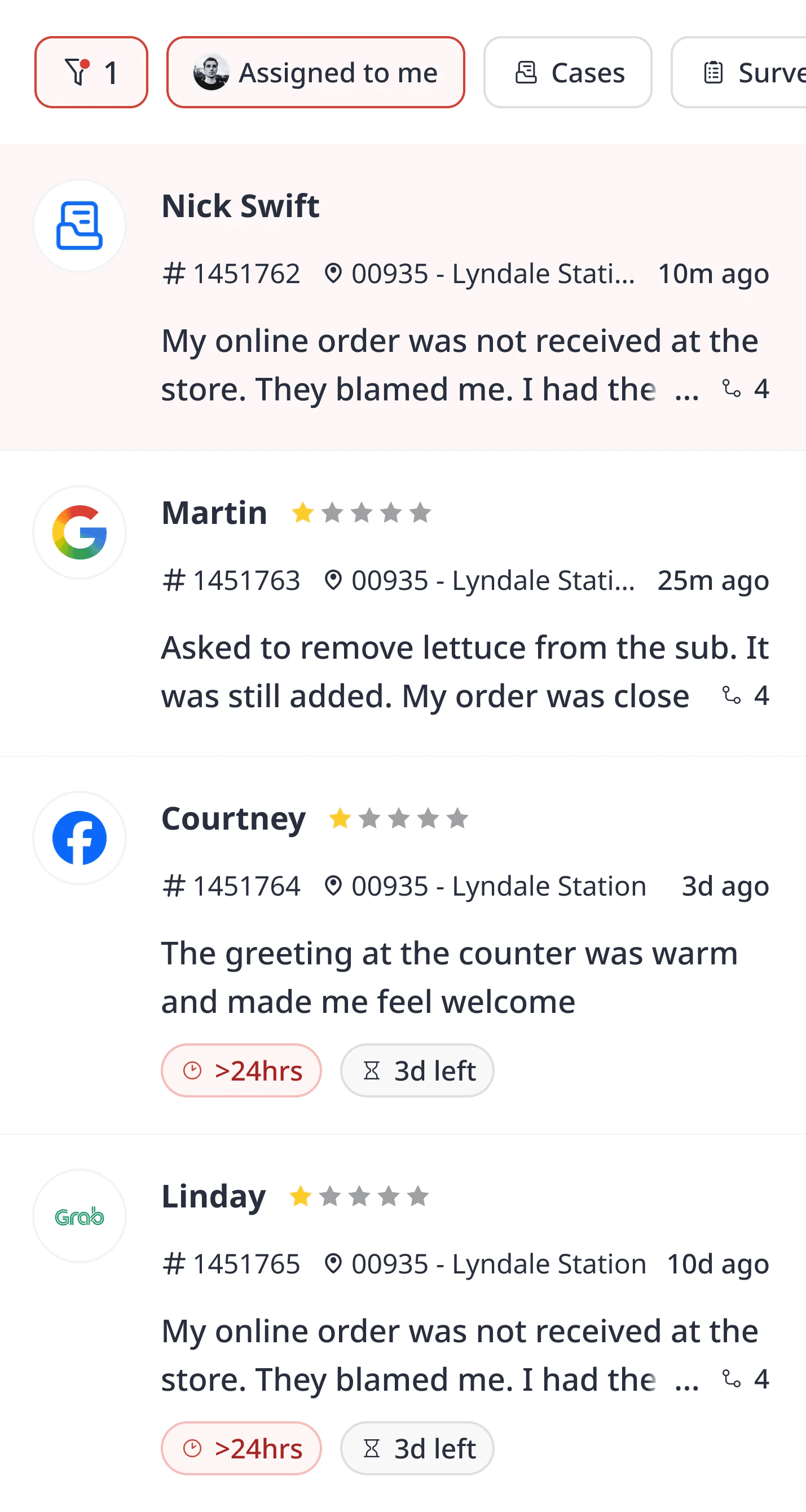
Negative responses can automatically create a recovery case in your Inbox. Use a brand-approved AI response to resolve negative feedback through a recovery form.
Pro tips
Ask fast: send the survey within 24 hours of the visit for the best recall.
Rotate questions: keep surveys fresh so regular customers don’t get survey fatigue.
Close the loop: follow up with customers who leave negative feedback so they know their input matters.
Ready to create surveys your customers will answer?
Already a customer? Build your next survey in the dashboard today.
New to Momos? See how Momos Surveys and Insights work together to improve loyalty. Sign up
Frequently Asked Questions
How short should my survey be?
Two to five questions is ideal for most touchpoints — short enough to finish, long enough to get useful feedback.
Can I brand my surveys?
Yes. Custom survey pages let you use your logo, colors, and messaging.
Can I send surveys automatically?
Yes. You can trigger surveys after a visit, delivery, or purchase.
What happens if feedback is negative?
It can automatically create a recovery case so you can follow up quickly.

" transform="translate(3.219 19.212)" width="152.45224485148515px"/><path d="M 0 11.619 C 7.071 11.39 33.491 21.738 40.35 21.268 C 38.499 18.19 37.116 14.915 35.507 11.625 C 33.7 7.867 32.587 3.926 31.702 0" fill="transparent" height="21.28391189647101px" id="I9fuJaf7q" stroke-dasharray="" stroke-linecap="round" stroke-linejoin="round" stroke-width="4.97" stroke="rgb(0, 0, 0)" transform="translate(139.727 55.754)" width="40.34950693069311px"/></svg>)